> For the complete documentation index, see [llms.txt](https://help.pdfreportgenerator.com/llms.txt). Markdown versions of documentation pages are available by appending `.md` to page URLs; this page is available as [Markdown](https://help.pdfreportgenerator.com/installation.md).
# Installation
Getting started in just a few minutes
## Install the app from the marketplace
The first step is to install the [PDF Report app](https://auth.monday.com/marketplace/listing/10000507/pdf-report-generator) to your monday.com Account.
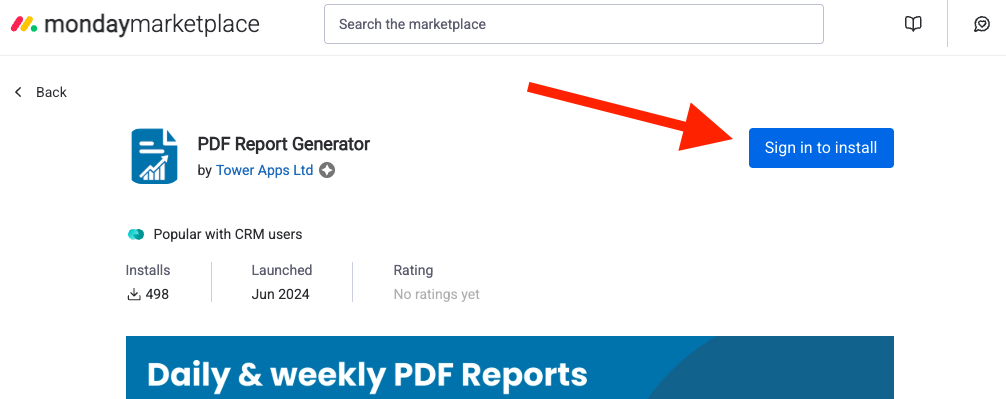
1. [Click on this link](https://auth.monday.com/marketplace/listing/10000507/pdf-report-generator) (monday.com marketplace)
2. In the marketplace, click on the blue button "Sign in to install" and on the next page "Add to your account"